Viral card-flash car reveal · Updated Oct 12, 2026
UNO Reverse Car Transition AI Flash the cards. Reveal the car.
Upload one photo. We put you in the 12-second clip from the trend: two cards up to the lens, cards down, and your dream car is parked behind you. Ready for TikTok, Reels and Shorts.
- One photo
- 6 car templates
- Or your own car
- No prompt needed
- Silent MP4, add the sound in-app
Generator
Make your UNO reverse car transition AI video
Three choices and one tap. The shot list, the timing and the prompt are already built.
The short answer
What is UNO Reverse Car Transition AI?
The UNO reverse car transition AI trend is a 12-second video in which a person holds two UNO-style cards, a 2 and a 4, up to the camera, and when the cards drop a sports car has appeared behind them. It is generated with an AI video model from a single photo of the person, a reference clip that supplies the movement, and a prompt that names the car. Creators post it on Instagram Reels, TikTok and YouTube Shorts with the trending "Unforgettable" sound.
UNO Reverse Car AI packages that workflow: one photo in, finished clip out, with no reference video to find and no prompt to write.
The UNO reverse car transition AI trend explained, with a timeline →
Three gears
How to do the UNO reverse car transition AI trend
No timeline editing and no prompt writing. The clip is already choreographed, you bring the face.
Upload one photo
A clear, front-facing photo that shows your face, hair and the outfit you want to wear in the video.
Pick the car
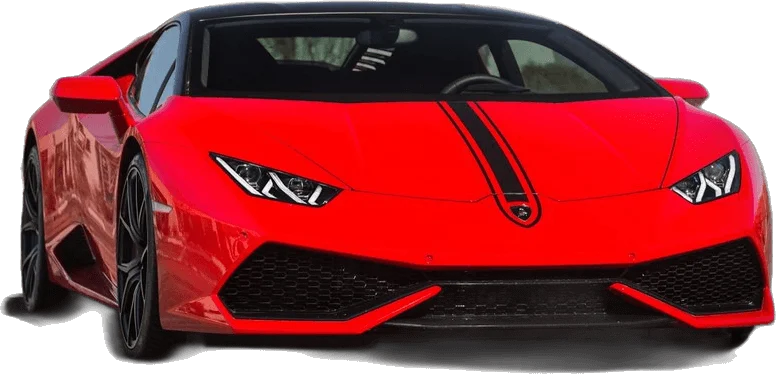
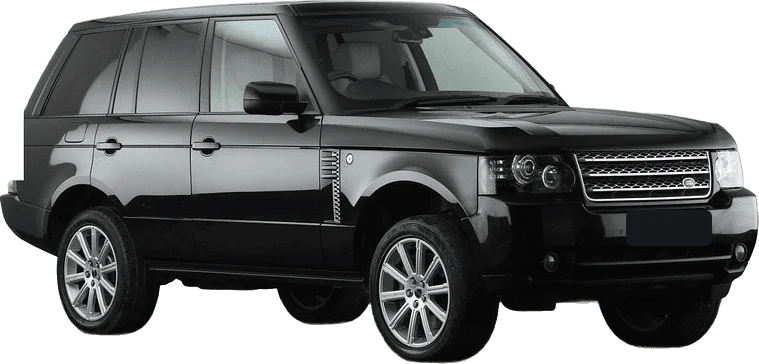
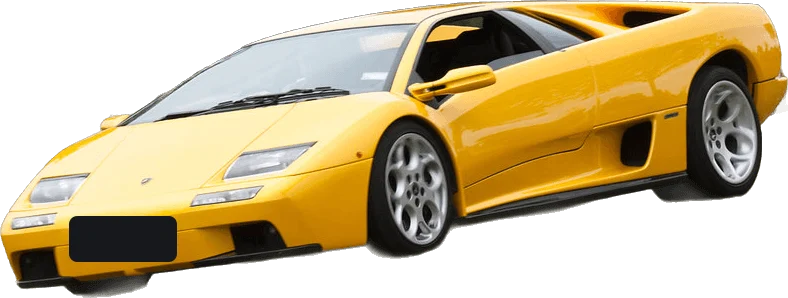
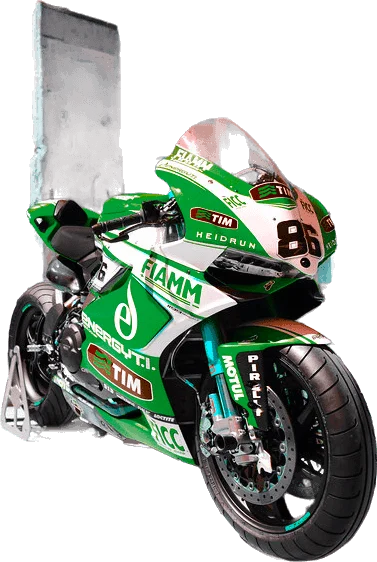
Choose one of six templates, from a red track supercar to a superbike, or add a photo of your own car.
Download and post
Get the 12-second MP4, add the trending sound inside TikTok or Instagram, and post.
Step-by-step guide: how to make the UNO reverse car transition AI video →
Frame by frame
The 12-second shot list
We measured the reference clip that tutorials pass around: 12 seconds, 30 frames per second, six beats. Every render follows this sheet.
| Time | Beat | What happens |
|---|---|---|
| 0.0–3.0s | Walk-in | You stand close to the lens in an empty lot, looking off to the side, then turn to face the camera. |
| 3.0–4.5s | Cards up | One hand rises and fans two cards, a 2 and a 4, right in front of the lens until they cover most of the frame. |
| 4.5–5.0s | Hidden cut | The arm sweeps across the lens. For a few frames nothing but sleeve and card is visible. |
| 5.0–7.5s | Reveal | The cards drop and a car is parked behind you. You glance back and jab a thumb at it. |
| 7.5–10.5s | Flex | Back to camera, hand beside the mouth as if sharing a secret, a small nod. |
| 10.5–12.0s | Cards out | The cards flick up again and the clip ends on a hands-on-head reaction. |
How the built-in UNO reverse car transition AI prompt works →
The garage
Pick a car for your reveal
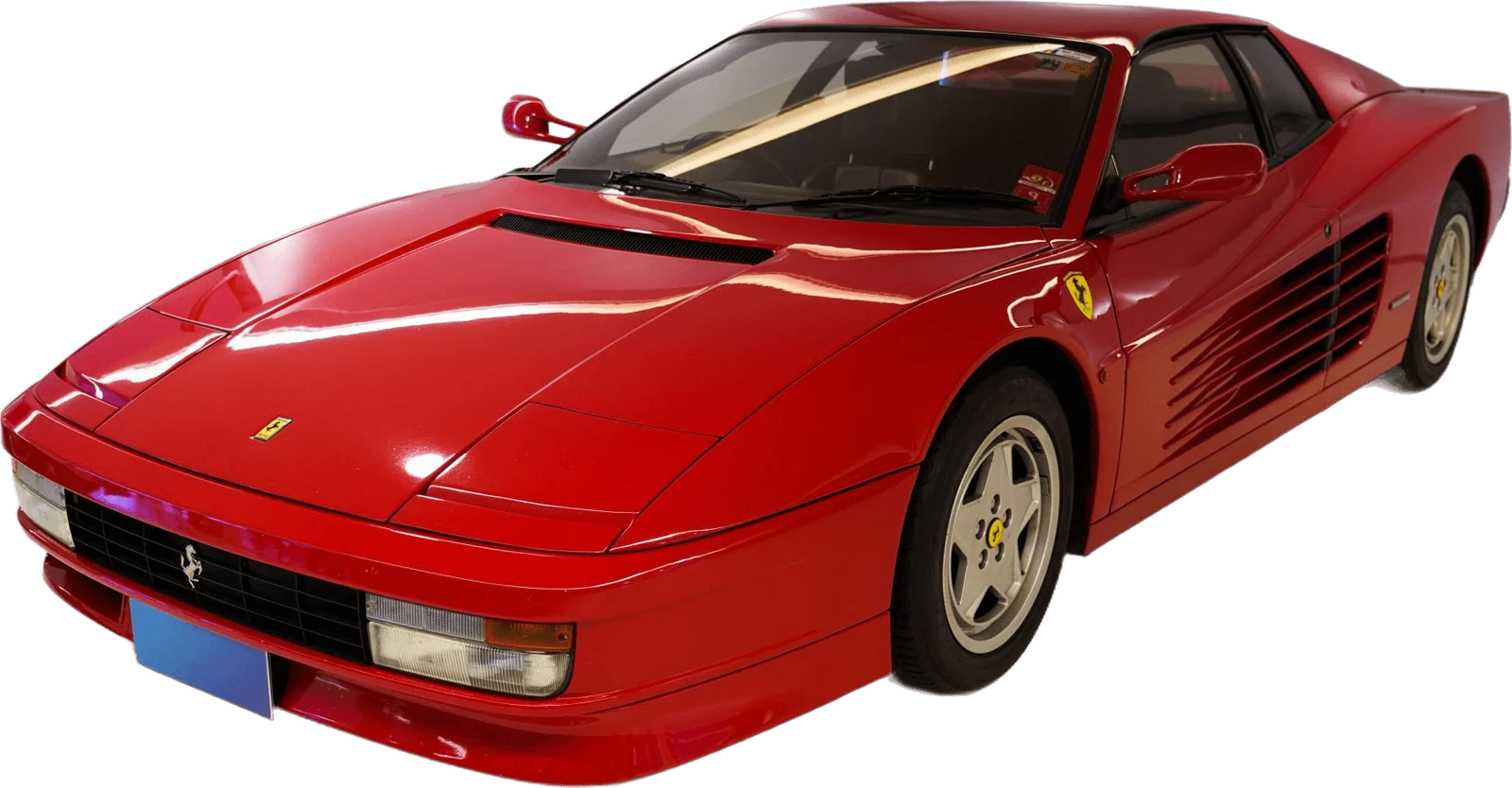
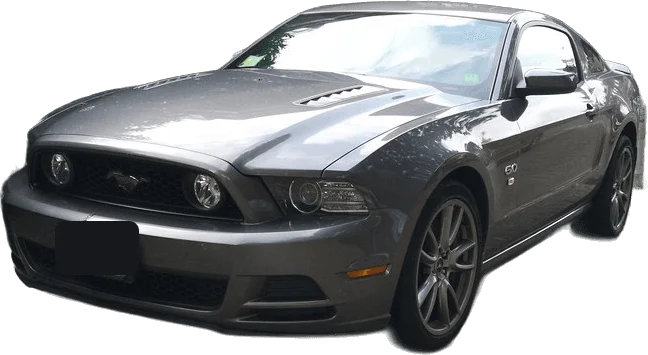
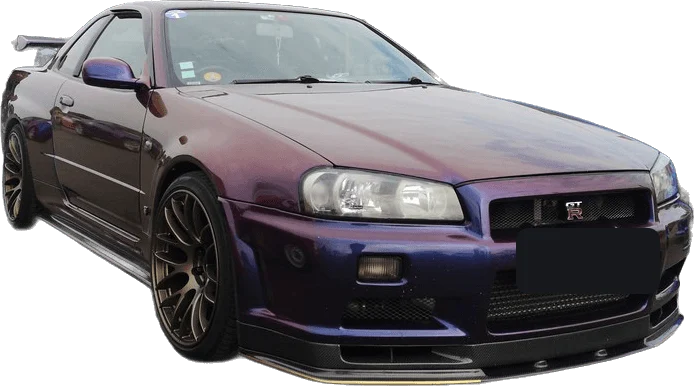
Each template has its own scene and its own prompt, tuned so the car stays in frame and the paint reads on a phone.
On the grid
The trend in the wild
Clips from creators who made the effect by hand. Each video belongs to its creator and is shown here with permission and credit.
Straight talk
Before you upload
For the best result
- Face the camera, eyes visible, no heavy beauty filter.
- Show hair, shoulders and outfit, not a tight face crop.
- One person per photo, sharp and evenly lit.
- Pick a car colour that contrasts with your clothes.
Good to know
- Card digits are correct in most renders, not all. Re-render if a digit warps.
- Fingers can blur for a frame during the fast sweep. In the original clip that sweep is motion-blurred too.
- Template cars are generic designs with no badges. For an exact model, upload your own car photo.
- The file has no music. Add the sound in the app you post to.
Pit wall
UNO Reverse Car Transition AI FAQ
What is the UNO reverse car transition AI trend?
It is a short video format where a person holds two UNO-style cards, a 2 and a 4, up to the camera. When the cards drop, a dream car has appeared behind them. Creators make it with AI video models from one photo, then post it with the trending "Unforgettable" sound.
How do I make the UNO reverse car transition AI video?
Upload one clear photo, pick a car and a format, and generate. UNO Reverse Car AI places you in the 12-second card-flash reveal and returns an MP4. There is no prompt to write and no reference video to find.
Is there a UNO reverse car transition AI filter?
No single in-app filter does the full effect. Clips labelled as a filter are generated with an AI video model and then edited. A generator like this one is the closest thing to a one-tap filter: one photo in, finished clip out.
Which AI makes the UNO reverse car transition video?
The clips are made with a reference-video AI model, which takes a photo, a motion clip and a long prompt. UNO Reverse Car AI has all of that built in, so you only upload a photo and pick a car.
How much does a UNO reverse car transition AI video cost?
A 12-second video costs 10 credits at 480p, 22 credits at 720p HD or 40 credits at 1080p Full HD. Credit packs are one-off payments from $9.99, with no subscription. Credits never expire, and failed or blocked renders return their credits automatically.
What do the 2 and 4 cards mean?
Together the cards read 24, and creators also call it the "24 UNO car" trend. There is no single agreed meaning. Functionally the cards are a wipe: they cover the lens long enough to hide the cut to the car.
Does the video include the song?
No. Downloads are silent MP4 files. Add the trending sound inside TikTok, Instagram or YouTube Shorts, where the platform holds the music licence and your clip is linked to the sound page.
Can I use my own car?
Yes. Upload a clear three-quarter photo of the car as a second image and it is used as the car reference instead of a template. Clean daylight photos with the whole car in frame work best.
Is this an official UNO or Mattel product?
No. UNO is a trademark of Mattel. UNO Reverse Car AI is an independent tool with no affiliation to Mattel, any car manufacturer or any artist. The cards in generated clips use a generic card design.
Can I upload a photo of someone else?
Only with their permission, and only adults. Photos of celebrities, public figures and minors are not allowed. You confirm this before each render.
What format is the finished video?
A 12-second MP4 in 9:16 for TikTok, Reels and Shorts, or 16:9 like the original reference clip. Standard is 480p, HD is 720p and Full HD is 1080p.